How Sage Hospitality Group Automated Journal Transfers
See how Sage Hospitality Group automated journal file transfers between BlackLine and M3 Accounting Core, processing 1,200+ files each month.
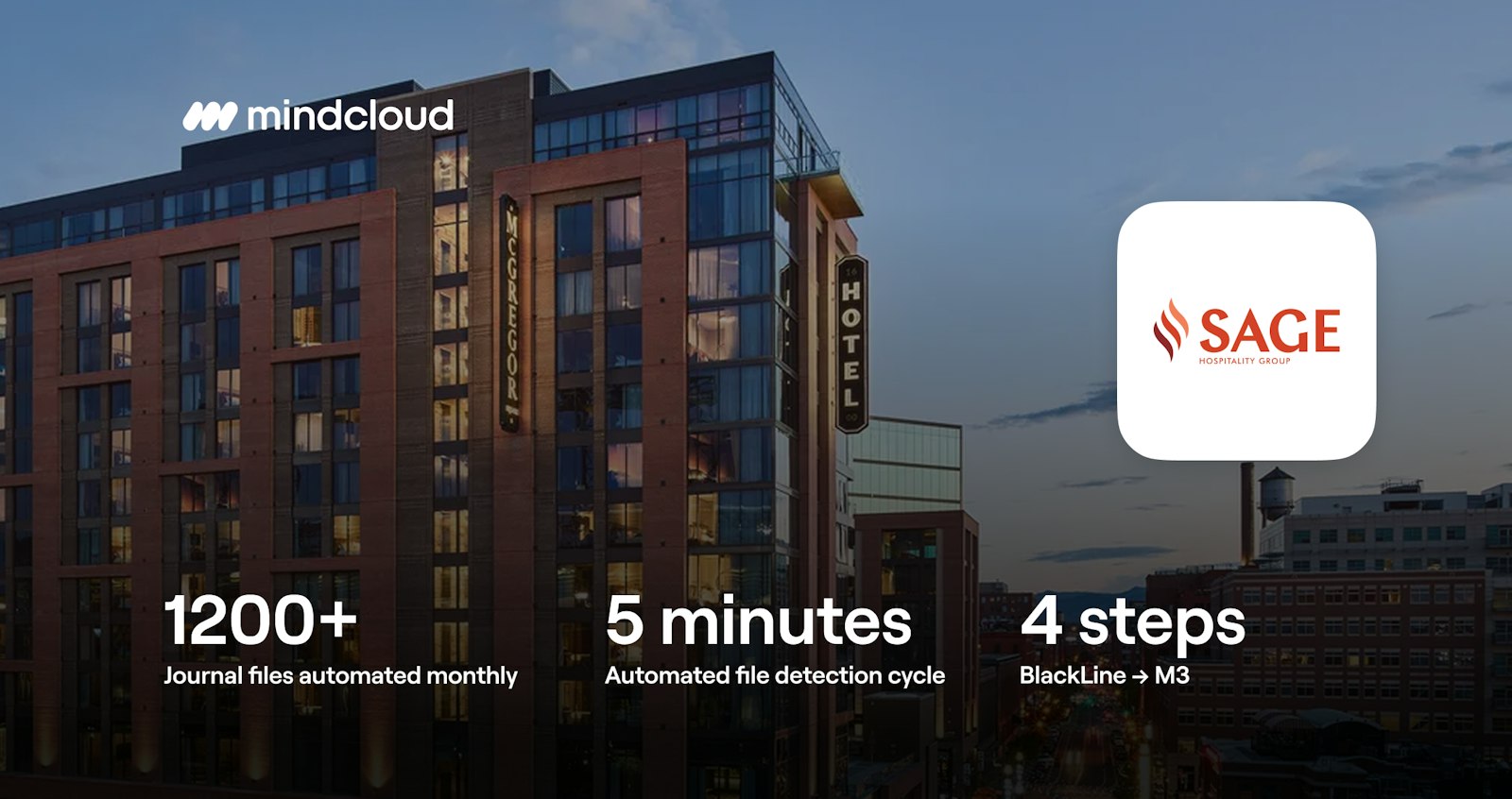
Sage Hospitality Group manages roughly 60 hotels and more than 60 restaurants, bars, and entertainment venues across 17 states and Washington, D.C. Its finance team processes more than 1,200 journal adjustment files every month, moving them from BlackLine into M3 Accounting Core as part of the financial close process.
These files carry the adjustments, accruals, reclassifications, and corrections needed to keep the general ledger accurate. At that volume, even a small manual step repeated thousands of times a month adds up to real time and real risk.
When Manual File Transfers Became the Bottleneck
Every day, BlackLine generates journal adjustment files as part of Sage Hospitality Group's financial close workflow. Those files need to land in M3 Accounting Core's secure ingestion folder so they can be posted as journal entries.
Before automation, that meant a person had to:
Monitor BlackLine's file drop folder
Identify which new files were journal adjustments
Download them
Transfer them to M3 Accounting Core's secure folder
Confirm they arrived correctly
None of that work was difficult. But at 1,200+ entries a month, it was constant, and it was important.
A missed or delayed journal entry doesn't just create an inconvenience. It can hold up the financial close, force a manual reconciliation, or leave the general ledger temporarily incomplete at exactly the time accuracy matters most.
Three things made the manual process harder to sustain the longer it ran:
It quietly consumed high-value time.
Every minute spent watching a folder or double-checking a transfer was a minute not spent on analysis, reporting, or the accounting work that actually requires a finance professional's judgment.
Every manual step was a chance for something to go wrong.
A file could be missed, transferred incorrectly, or processed twice, not because anyone was careless, but because manual processes don't scale cleanly with volume.
Someone always had to be watching.
Without automated file handling and logging, the team had no way to confirm a transfer succeeded without actively checking on it themselves.
The process itself wasn't broken. It just needed to stop depending on a person to keep it moving.
Why Sage Hospitality Group Chose MindCloud
Sage didn't want a rebuild. It wanted the existing process to simply run on its own. MindCloud's approach reflected that: understand exactly how the workflow already worked, then automate it without disrupting the systems or processes around it.
Mapped to Sage's existing requirements. MindCloud mapped the file format, timing, and handling requirements for journal files moving between BlackLine and M3 Accounting Core, so the integration fit the way Sage's financial close process already operated.
Designed to avoid disruption. The integration went in without changes to BlackLine, M3 Accounting Core, or the accounting process itself, so there was nothing new for Sage's team to learn or manage.
Meant to disappear into the background. Once live, the workflow handles discovery, filtering, transfer, archiving, and logging automatically, with no ongoing manual step for anyone at Sage.
What MindCloud Built
MindCloud automated the transfer of journal adjustment files from BlackLine to M3 Accounting Core. Every five minutes, the workflow checks for new files, identifies the XML files that need to be transferred, moves them to M3 Accounting Core, and archives the originals after a successful transfer.
Here's how it works:
1. Checks for new files
Every five minutes, the workflow checks BlackLine's FTP folder for new files. If there aren't any, that cycle ends without making a transfer.
2. Identifies journal files
The workflow checks each file for .xml in the filename. XML files continue through the process, while other files are left in the folder.
3. Transfers files to M3 Accounting Core
The matching files are downloaded from BlackLine and uploaded to M3 Accounting Core's SFTP ingestion folder. The files move as-is, without changes to their contents.
4. Archives completed files
After a successful transfer, the original file is moved to an archive folder in BlackLine. This keeps processed files out of the incoming folder and prevents them from being picked up again.
The Results
The integration has been running in production for months, processing more than 1,200 journal adjustment files each month. Across thousands of files processed, Sage has reported just one delayed transfer.
1,200+
Journal adjustment files processed automatically every month
5 minutes
Automated file detection cycle
4 steps
From file detection to archive
Sage also has visibility into the process without having to manage it. The finance team can view workflow health and run history through its dashboard, while a dedicated MindCloud developer monitors the integration multiple times a day.
The result is a process that keeps journal files moving automatically while giving Sage's finance team one less operational task to manage. Instead of watching folders and checking transfers, the team can spend that time on analysis, reporting, and other work that requires their expertise.
“The team really listened to us, asked thoughtful questions, and understood the problem. The implementation was definitely smooth and efficient. Literally seamless. It just happens and we don't even have to think about it.”
Tasha Kerr
Senior Director of Hotel & Restaurant Accounting, Sage Hospitality Group
The Value of a Process That Just Works
Not every integration needs to change how a business operates. Sometimes the biggest value comes from making an important process more reliable, consistent, and easier to manage.
For Sage Hospitality Group, automating the BlackLine-to-M3 Accounting Core workflow meant journal adjustment files could move on a consistent five-minute cycle, with filtering, archiving, and completion logging built in.
The result is a dependable process that keeps pace with more than 1,200 journal entries each month while giving Sage's finance team more time to focus on analysis, reporting, and higher-value work.
Exploring a Similar Integration?
If a critical workflow still depends on someone moving files, checking folders, or restarting failed transfers, MindCloud can help automate it around the systems and processes you already use.