

CIRRA ANALYTICS FOR SAGE INTACCT
Sage Intacct reporting.
A clearer monthly budget review.
Bring actual spending and available budget data into a view your department leaders can use. Compare departments, focus on the largest differences and inspect the transactions behind them. Build a Monthly Budget Review around the way your organization works.
Start with one question in a guided 30-minute session. Your first analytics page is free during the limited beta evaluation. No credit card required.
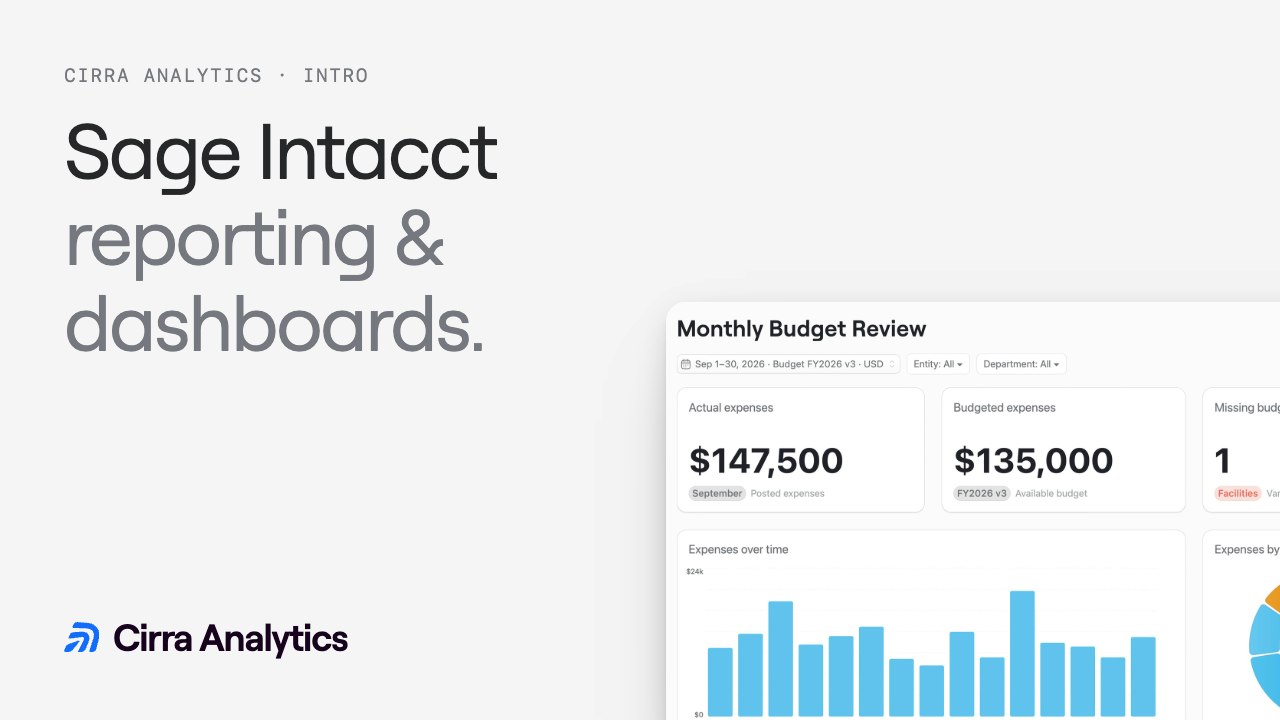
Build a Monthly Budget Review with Sage Intacct
Compare departmental spending against budget, inspect the largest differences and save a monthly review.
Build a Monthly Budget Review around the decisions
Questions before your first dashboard
Start with one Sage Intacct question.
Build your first dashboard free.
- Focus on the differences. Prioritize the largest unfavorable dollar variances.
- Use your dimensions. Shape the view around your departments, entities and available data.
- Bring the budget into view. Confirm the source, version and mappings behind the comparison.
- Prepare the next review. Save a focused view for the people responsible for the budget.