

Give your agent access.One MCP server. 3,400+ apps.
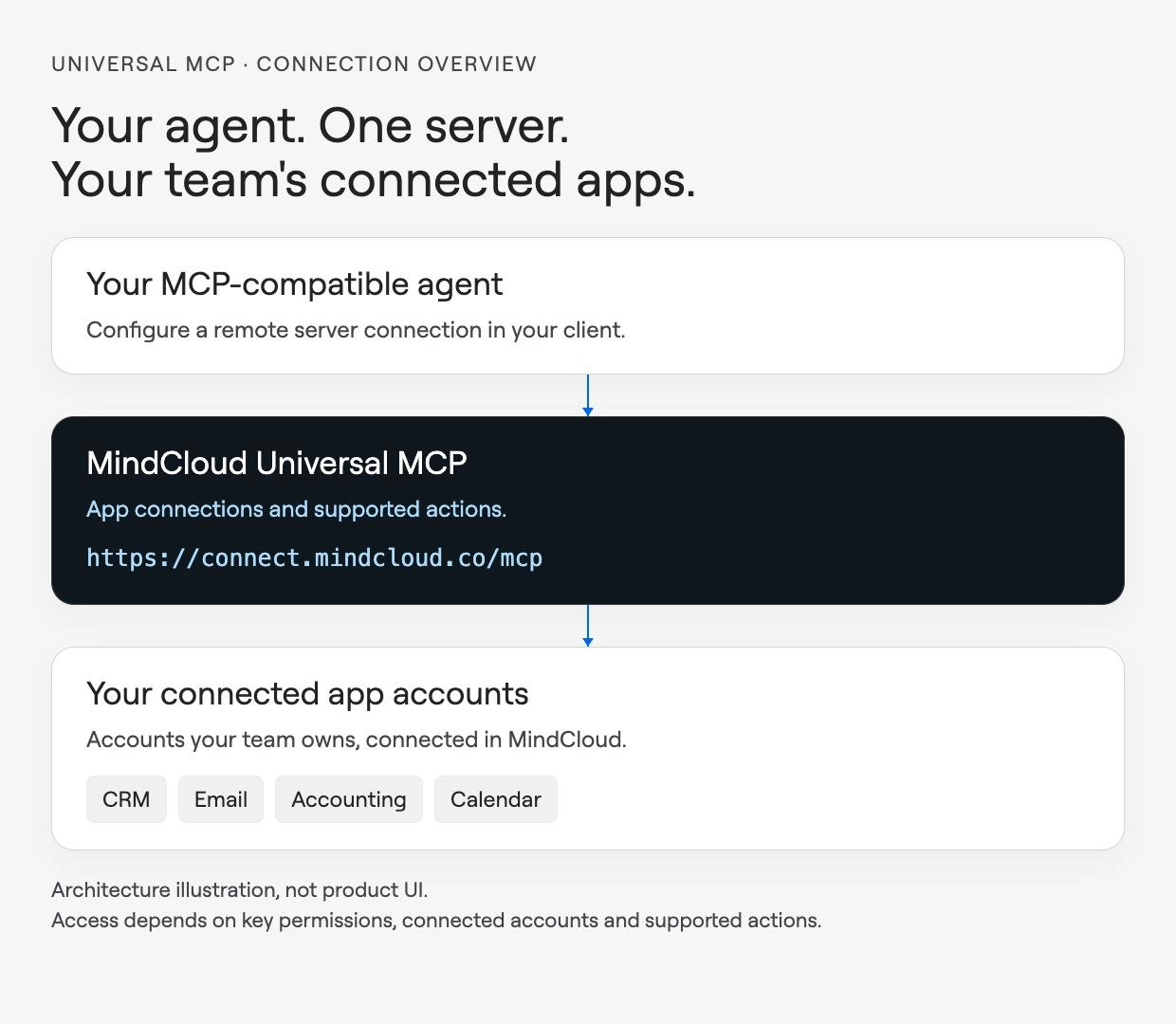
Universal MCP gives your agent access to your team's connected apps through one Model Context Protocol server. We handle app credentials, so you can focus on the work your agent needs to do.
Trusted by teams at


Your agent needs access to the apps where your team works. Adding a separate connection for every tool means more authentication and setup to maintain.
Connect your team's app accounts in MindCloud, then configure your agent to use one MCP server. We manage provider credentials and token refresh outside your agent's code.
Use supported app actions through the same server. What your agent can do still depends on your access, the connected account and the capabilities of each app.
Before you connect your agent
Check client compatibility and access before connecting live business accounts.