

What is integration reconciliation and what should it check?
A successful run does not prove every business record arrived correctly. Reconciliation checks what moved, what is missing and what differs.
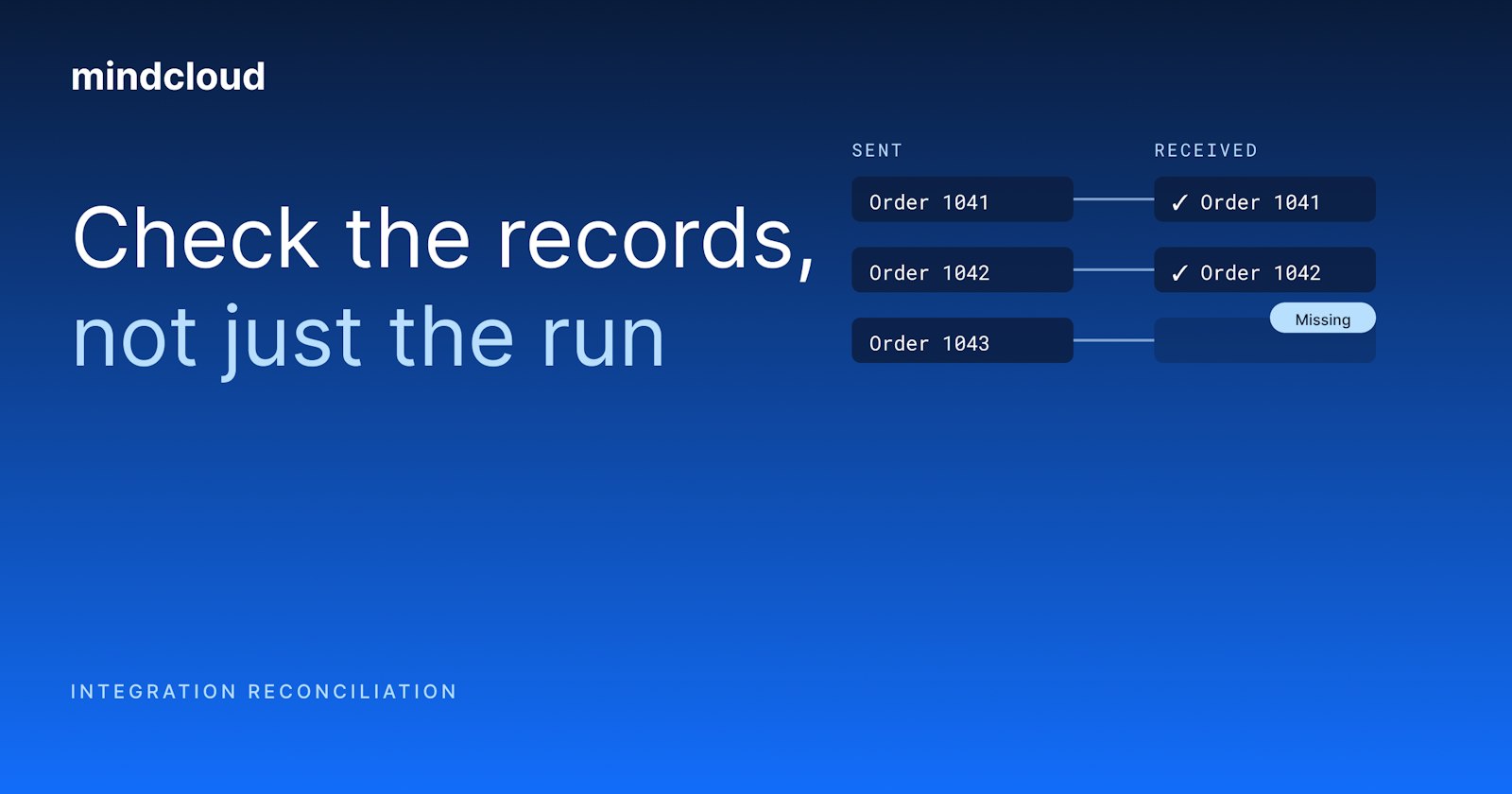
Integration reconciliation is a comparison. You take the records in one system and check them against the records in the system they were sent to. It answers two questions: did the information that was supposed to arrive actually arrive, and did it arrive right?
That is a different question from whether the run worked, and a run can finish clean while the answer is still no. For a finance leader this usually comes up at the close, when the numbers have to be explained. One record fell outside the selection rule, another mapped to the wrong period, and a third is still waiting on something upstream. Nothing errored, but the records are wrong, and reconciliation is how you find that out.
Run monitoring and reconciliation answer different questions
Monitoring tells you whether the integration ran and whether a step reported a problem. Reconciliation tells you whether the records that came out the other side match what the business expected.
You want both. When a connection breaks, monitoring should raise it fast. But a broken connection is not the only way records go wrong. An order can be accepted under the wrong customer or land in the wrong reporting period while the connection works perfectly.
Say a store takes paid orders that should become sales orders in the accounting system. The run log says the workflow completed, but finance still has three questions: which store orders were eligible in the first place, which accounting records those orders became, and whether the values that matter match. The run log answers none of them.
Start by defining what should cross
Before you compare anything, write down the selection rule. Which orders count: paid ones, completed ones, or everything created in the period? Are canceled orders left out? And which date decides: the order date, the payment date or the posting date?
These can look like details, but the whole comparison runs on them, so settle them at the start rather than in the scramble after someone finds a difference. If the two sides count different populations, you will find a discrepancy that looks real and costs a day, and the definitions explain all of it.
Both sides also need the same reporting boundary, with room for the integration's normal delay and the destination's own posting process. Otherwise a record that is simply still on its way gets reported as missing.
Match records with identifiers you can trace
To compare records you need a way to tie each source record to its destination record. A name will not do it, because names change, two customers can share one, and amounts repeat.
So keep the source identifier and the destination reference where the people doing the checking can see them. Then tracking down one odd record takes minutes, not a search through every transaction with the same total.
In our HP Tuners story, WooCommerce customer IDs and line-level IDs are written back to NetSuite. Anyone checking a record can follow it from one system into the other instead of guessing from an amount.
Check counts, values and timing
Start with counts, because they are quick, but don't stop there. One duplicate and one missing record cancel out and leave the count perfect, and totals can hide different transactions that offset each other.
Check the fields the process actually depends on. In the store example, that might be the customer reference, the items, the quantities and the amount finance expects. Choose them with the people who use the records at the other end. They know which differences cost them time, and those are not always the fields the integration team would guess.
Then sort the differences you find into groups someone can act on:
Not yet processed: still inside the normal delay.
Rejected: the destination refused the record.
Duplicated: the same business transaction exists twice.
Intentionally excluded: outside the agreed rule, correctly.
Different value: present, but a field does not match.
Each group needs a different next step, which is why the sorting is most of the value.
Give every discrepancy an owner
A failed step belongs to the integration team, the correct posting period is a finance call, and a missing item reference might belong to operations. A reconciliation that only says "these do not match" helps nobody. A useful one says whose decision each difference is.
Two habits help here. First, never replay a record just because the first search did not find it. Look harder, and check whether the destination already accepted an earlier attempt, especially after a timeout, because replaying without checking is how one order becomes two.
Second, keep the evidence with the resolution. Months from now, the next reviewer can then see why a difference was corrected, excluded or left waiting without reopening the whole thing.
Reconcile through a complete business cycle
Our NetSuite integration readiness checklist makes this a test before go-live. You compare source and destination records over the same window and status scope, checking counts, identifiers and the relevant amounts. Then you keep reconciling after launch through a full business cycle, including period-end and month-end, because month-end behaves in ways a normal test day never shows you.
After the first cycle, check on a schedule that fits what a missing record would cost you. Revisit the plan when the business changes: when a record definition changes, a new sales channel opens or accounting changes how it posts. The rule you wrote down at the start can go out of date without anyone noticing.
If your runs are all green and your team still can't explain the numbers, bring us one source record, the destination record you expected and the rule that connects them, and we'll work through it with you.