Running Workflows
When building a workflow, you can run the entire workflow, an individual step, or multiple steps at one.
Running the Workflow
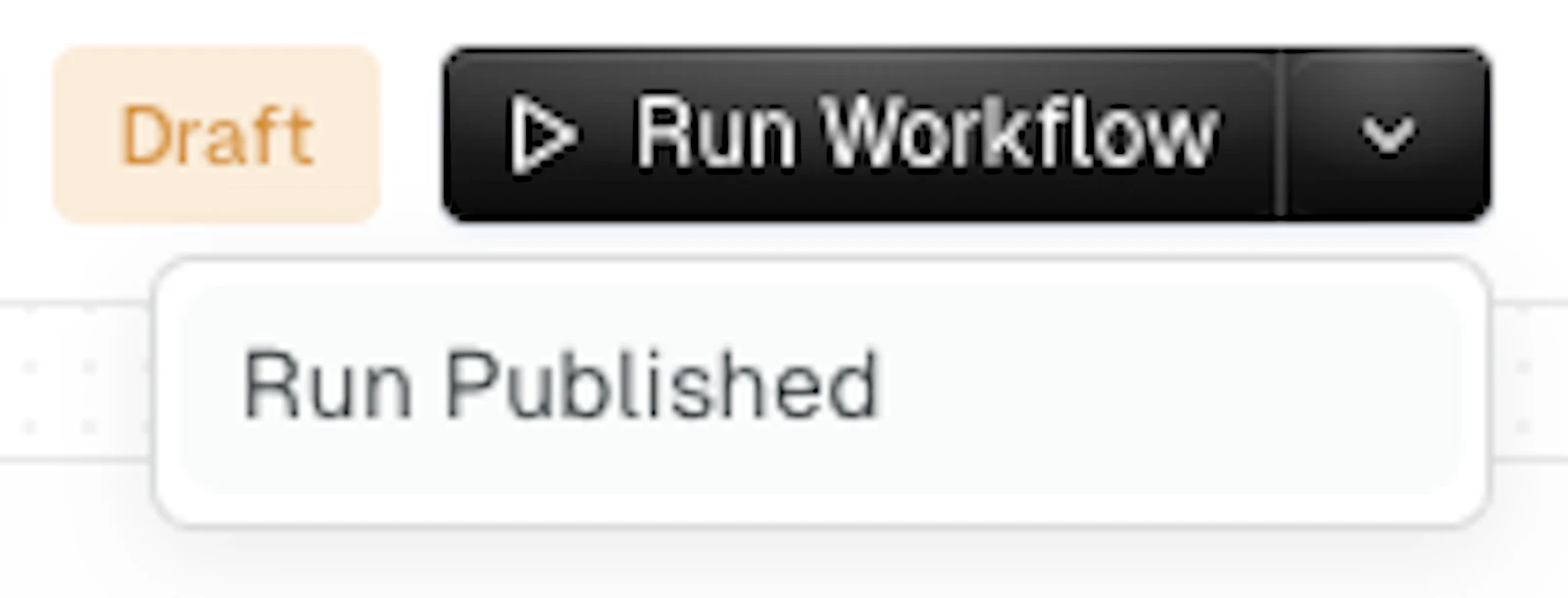
You can simply click the “Run Workflow” button at the top-right. If you are working on an in-progress workflow that has an earlier published version, you can also run the published version.
Running an Individual Workflow Step
You can right-click on any step to have a menu, which allows you to run an individual step. This is important, as it will get the data needed for you to easily develop and test subsequent steps.
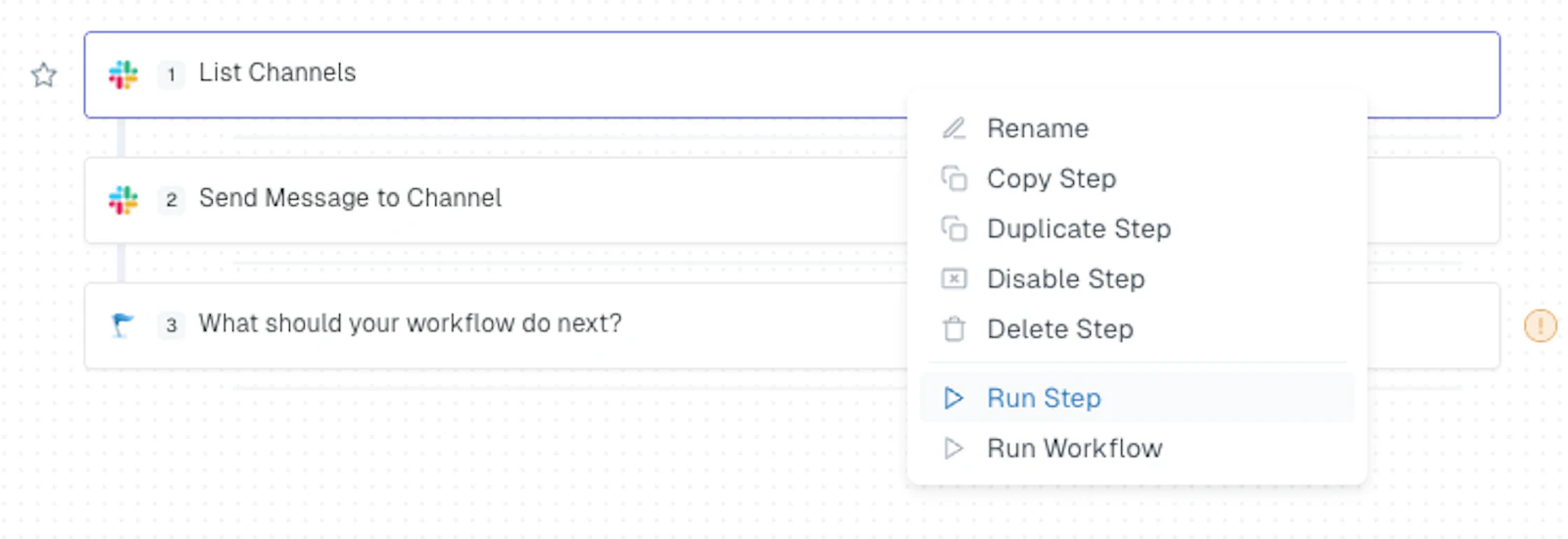
Once a step is running, you can also monitor progress and cancel it as needed.
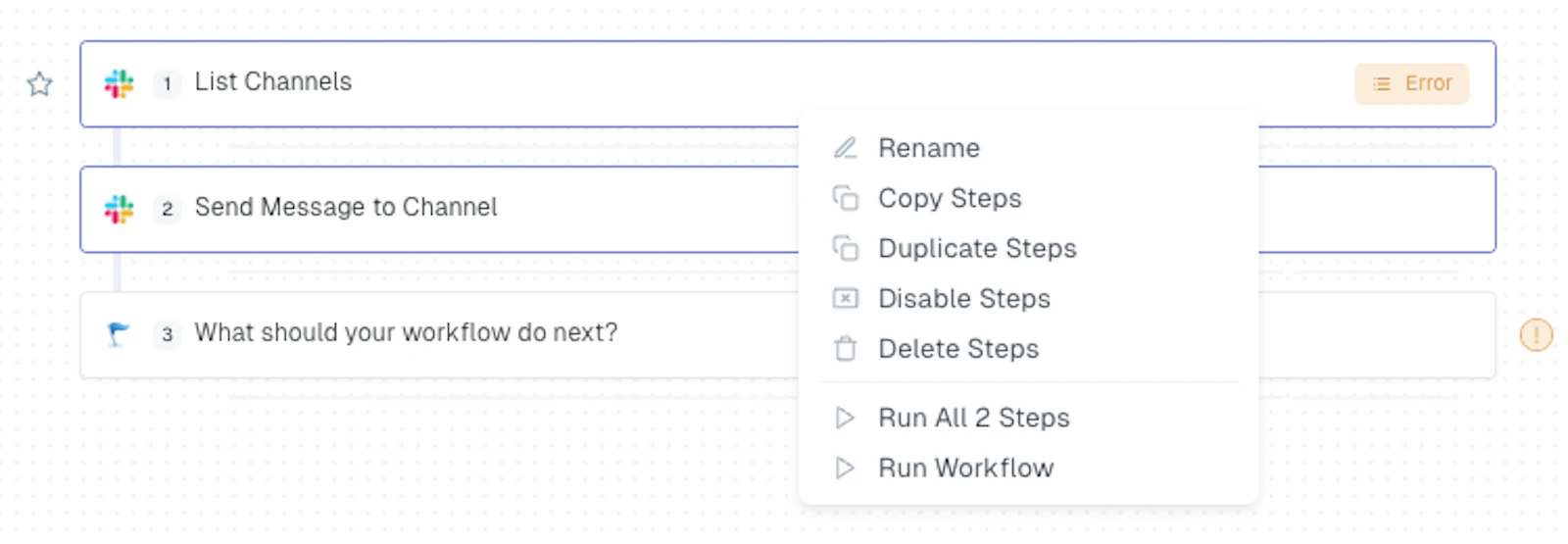
Running Multiple Steps
You can also select multiple steps to run at once by dragging a box around them, which will highlight them.

You can then right-click and run both steps at once.