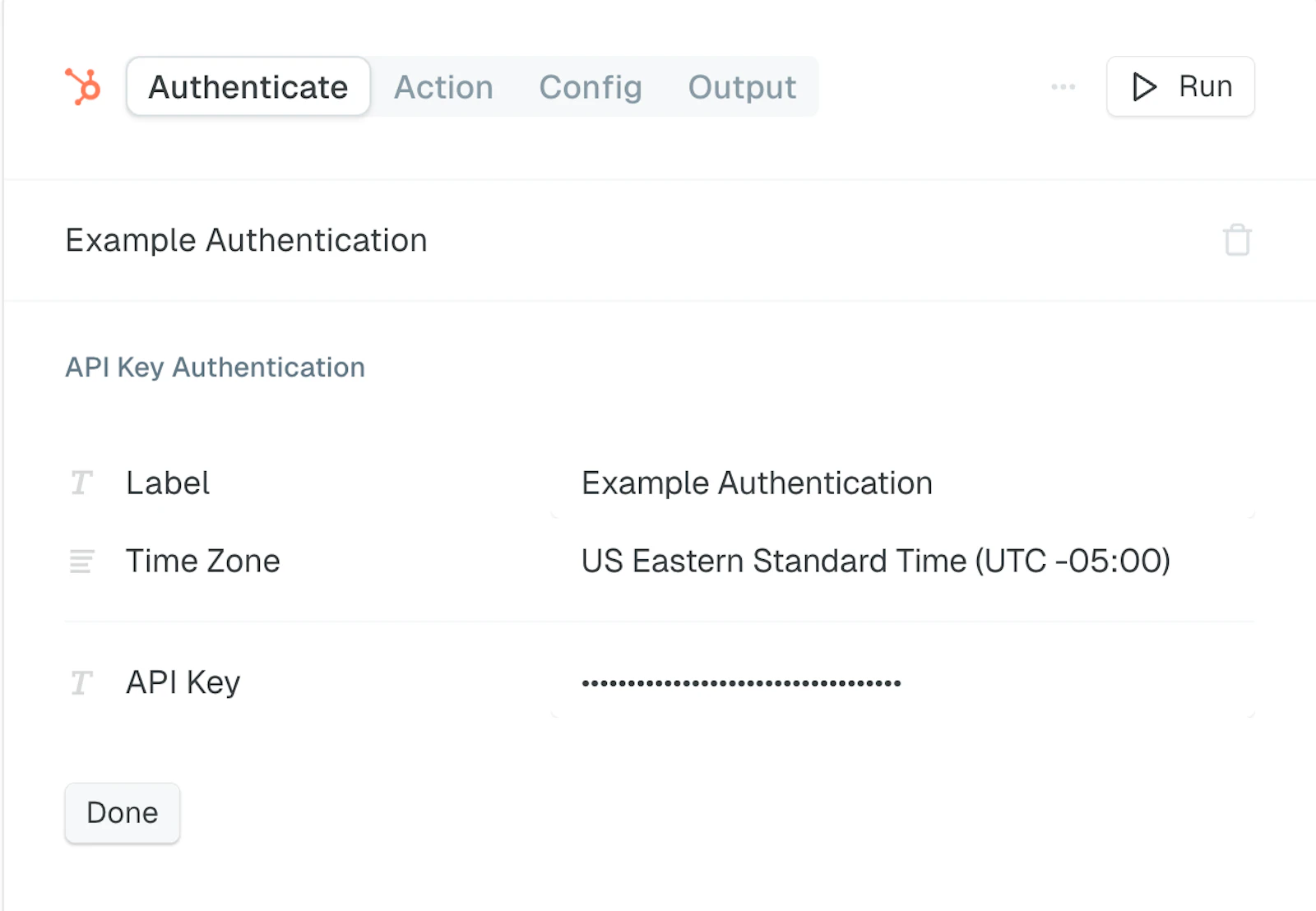
HubSpot - Private App
Overview
To connect HubSpot you’ll need an Access Token. Here are the steps to create this in HubSpot.
Obtain API Credentials
To allow MindCloud to interact with your HubSpot account, you must generate API credentials:
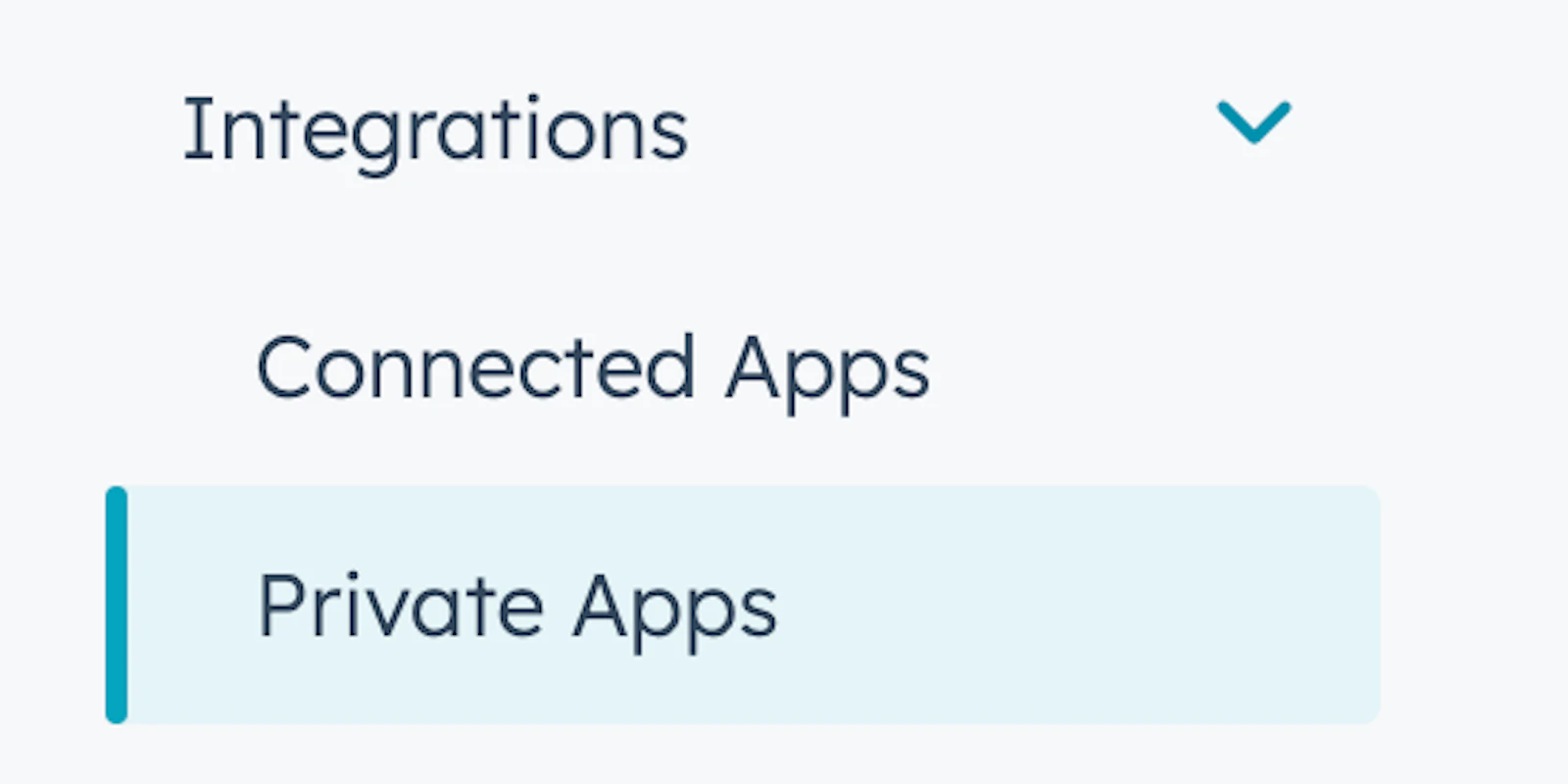
Go to Settings > Integrations > Private Apps
Click Create a private app.
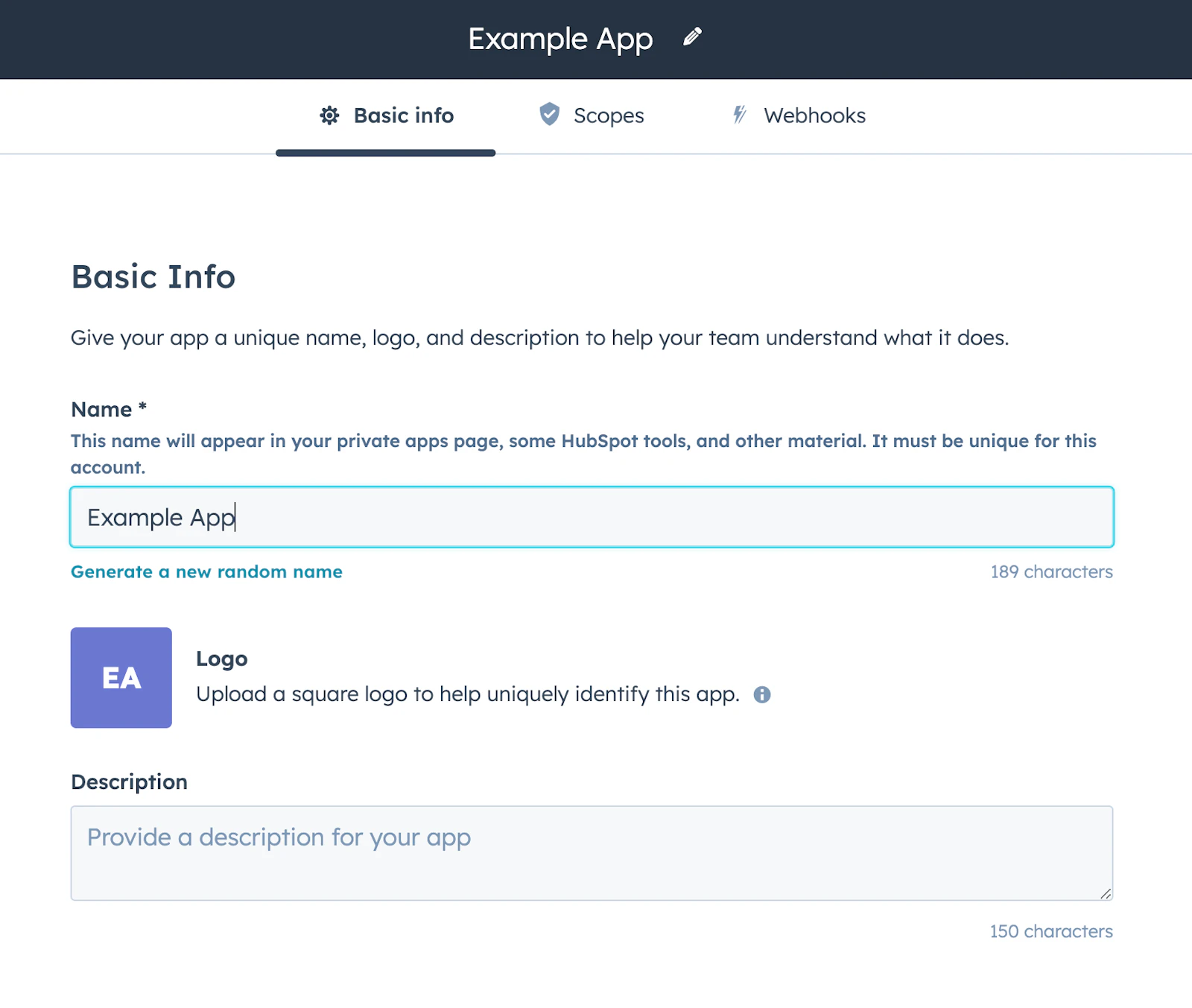
Give it a name.
Add all of the scopes your App will need.
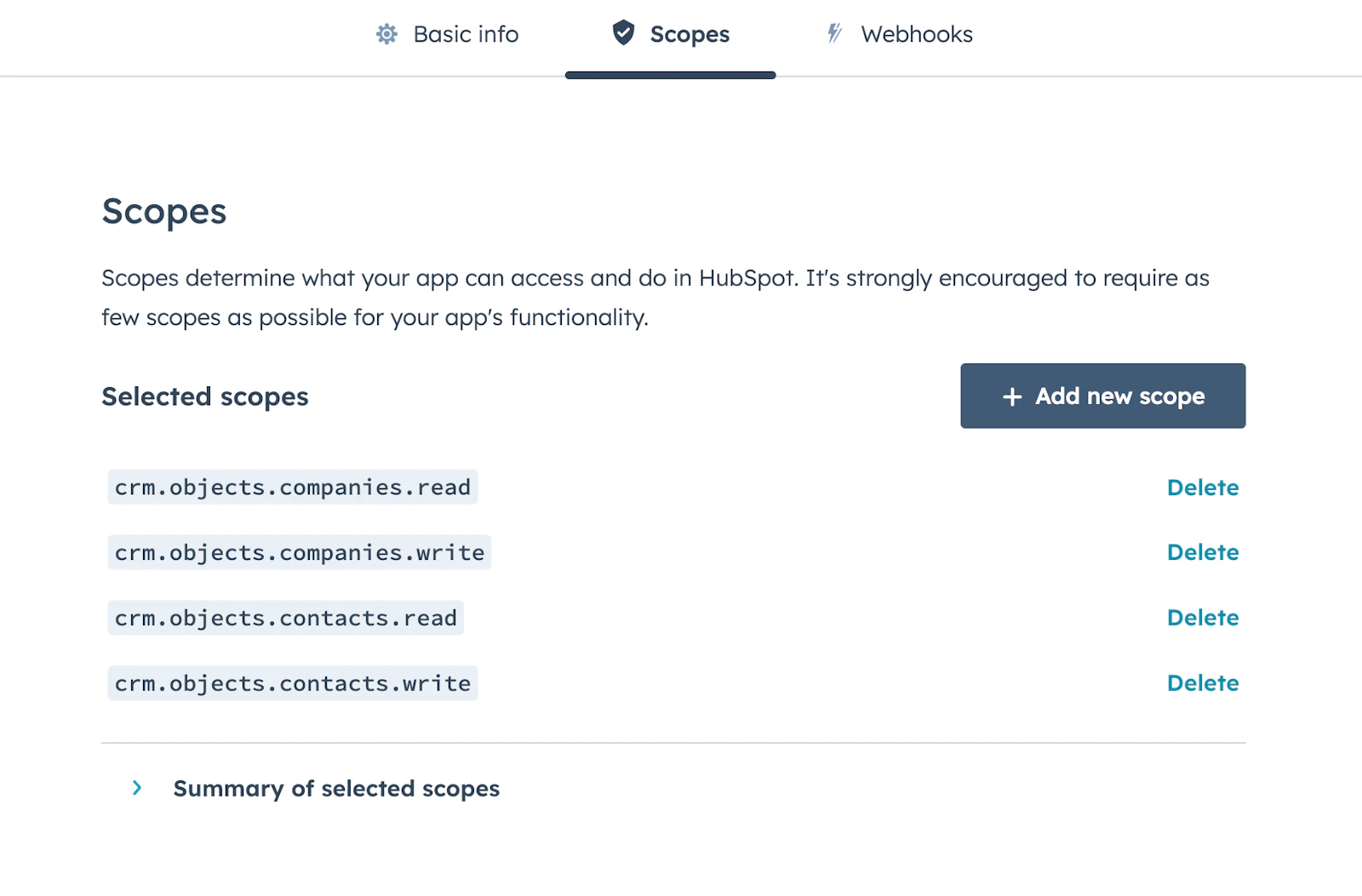
Click “Create app”.

Copy the Access Token and save this somewhere.
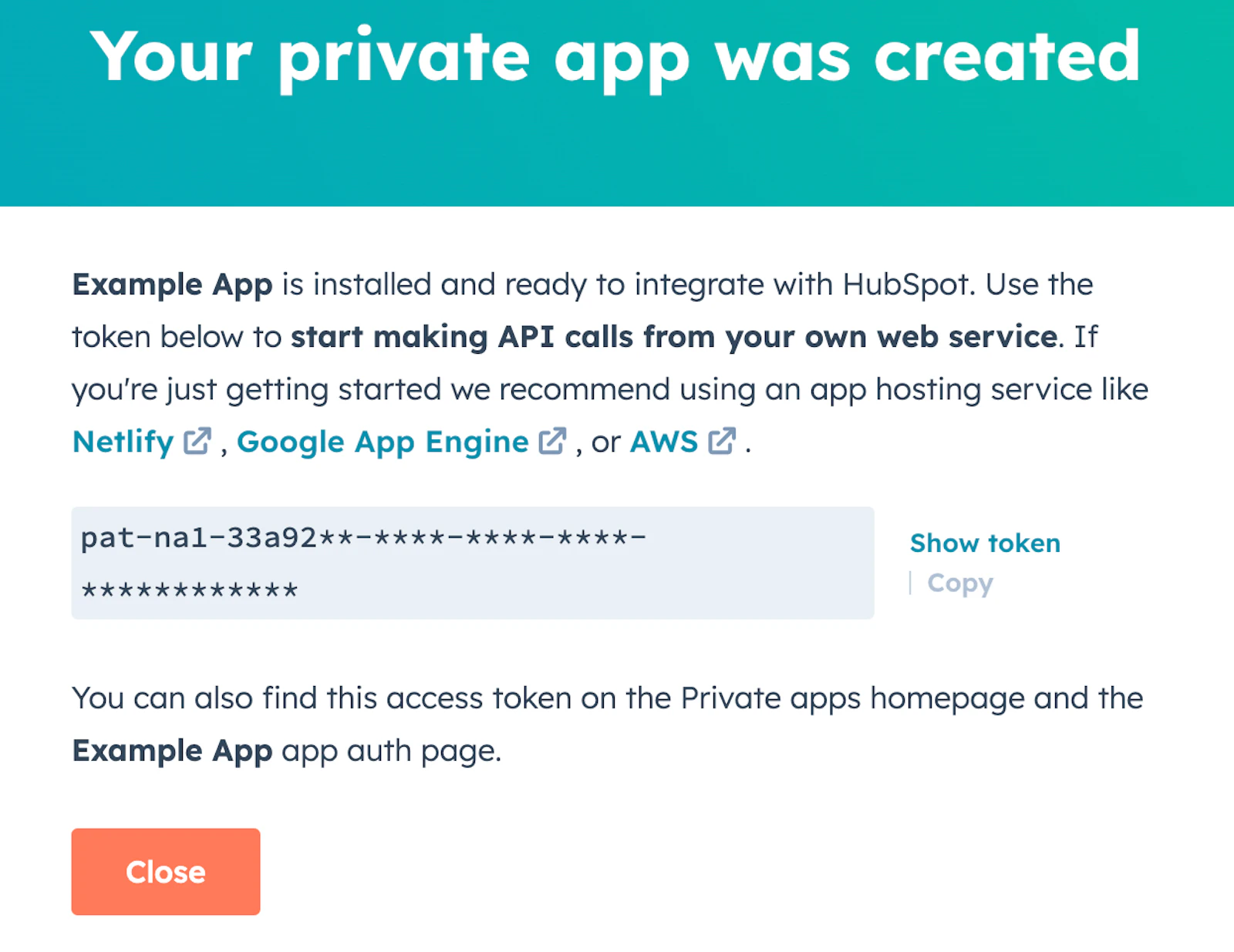
Save the Access Token to the API key in the HubSpot Authentication tab in MindCloud and click Done.