

Jetbuilt
Overview
Setting up Jetbuilt for MindCloud is a straightforward process but requires careful configuration to ensure successful communication between Jetbuilt and MindCloud.
Obtain API Credentials
To allow MindCloud to interact with your Jetbuilt account, you must generate API credentials:
Go to Settings > Company > Integrations.
You will need Admin access to be able to see this section.
Copy the API Key which will be just below this:
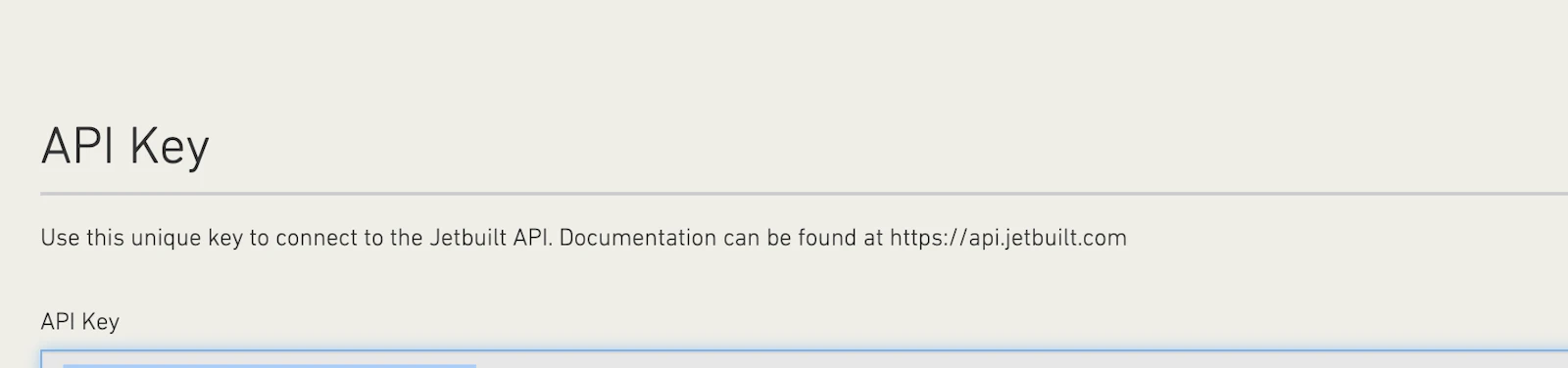
If you don’t see an API Key, contact Jetbuilt and request them to enable this for your account.
Paste this API Key into the MindCloud Jetbuilt Authorization:
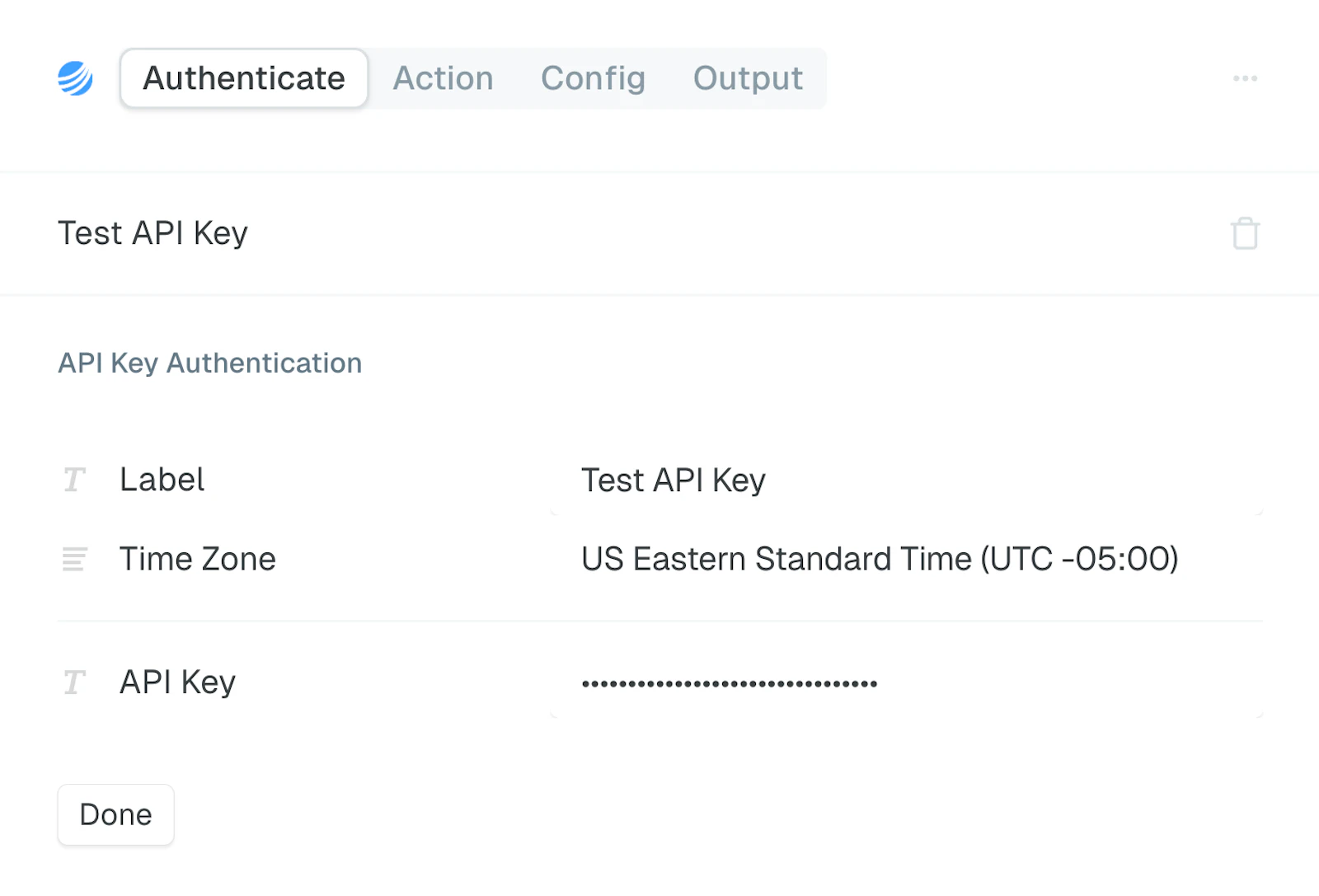
Click Done to save the credentials.